Dumpster Gang Controls
Default bindings players report from the demo—remap anytime.
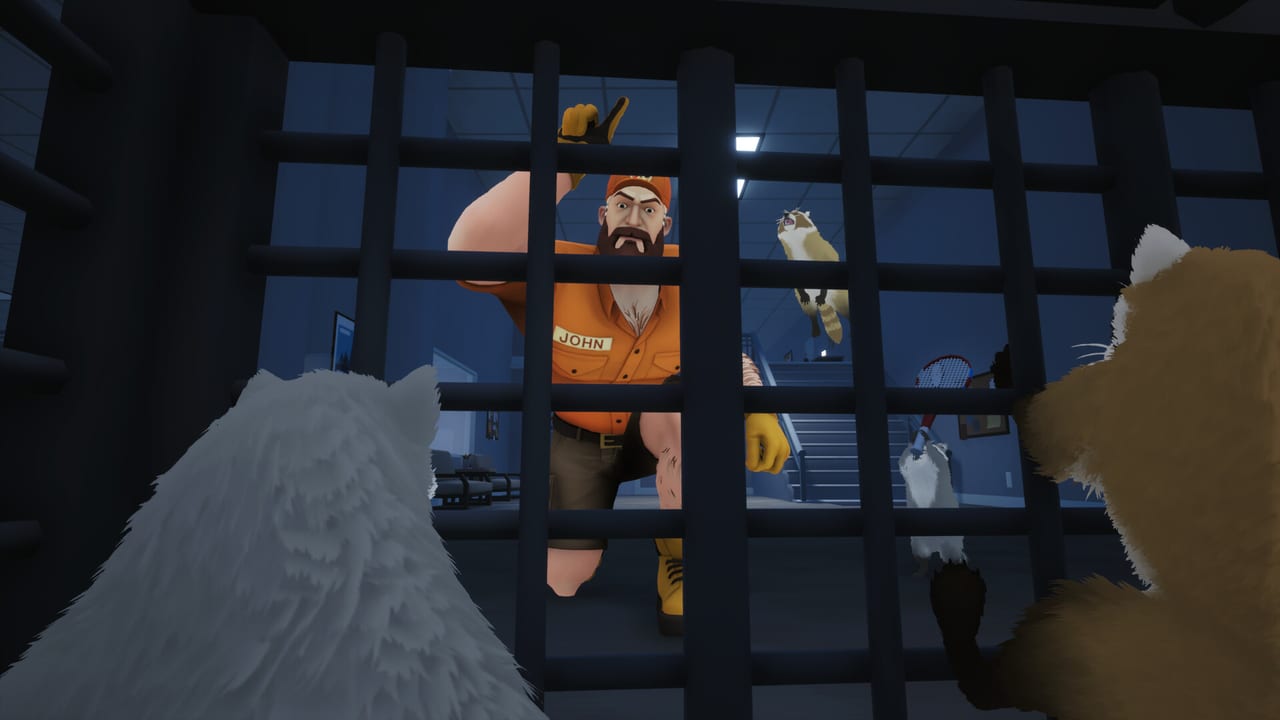
Dumpster Gang is built around sticky traversal, grab-and-throw chaos, and quick utility presses while the Exterminator hunts your crew. This page documents default bindings players report from the free demo on keyboard and controllers. Coyote House Games exposes remapping, so treat every table as a starting layout—not a permanent law. If a patch changes defaults, update your notes after you re-check the in-game menu.
Pair this page with the Tools Hub, Getting Started, and the demo walkthrough so you practice binds inside the suburban house, farm, and forest training spaces instead of memorizing them dry.
How to read these tables
- Labels describe the game action, then the common demo default.
- Hold versus tap matters: jump often doubles as vault or climb when held near ledges.
- Aim throw and throw are separate: right-mouse / LT lines up the arc; left-mouse / RT releases.
- Hat skill, snack, and ping are high-frequency co-op verbs—keep them reachable.
When you finish remapping, say the new binds out loud in Discord so Scouts and Carriers do not call “ping on T” while someone rebound ping elsewhere. Role talk lives on the Tier List Hub and co-op guide.
Keyboard and mouse (demo defaults)
| Action | Default binding |
|---|---|
| Move | WASD |
| Look | Mouse |
| Jump / vault / climb (hold) | Space |
| Sprint | Shift |
| Crouch / slide | Ctrl or C |
| Interact / grab / lockpick | E or F |
| Drop | G |
| Aim throw | Right mouse button |
| Throw | Left mouse button |
| Hat skill | Q or R |
| Snack | 1 or X |
| Ping | Middle mouse button or T |
Keyboard tips
Movement stack. WASD plus Shift sprint covers approach lines. Crouch (Ctrl/C) lowers your profile before a slide past windows. Practice sprint-into-crouch in the forest training area until the slide feels intentional.
Verticality. Space is not only a hop. Hold Space near climbable edges to vault or climb. Many demo fails happen when players tap jump instead of holding through a ledge grab. Climb routes matter for Escape the Exterminator loops.
Hands full. E/F starts interact, grab, and lockpick context actions. G drops what you carry—critical when you need to free a hand for a hat skill or a door. Do not bind Drop next to Interact if your fingers fat-finger mid-steal.
Throw pipeline. RMB aims; LMB throws. Learning the arc in the farm yard prevents friendly fire on Carrier raccoons hauling big props. Solo players still need clean throws for distraction props—see the solo guide.
Utilities. Q/R fires the equipped hat ability. 1/X eats a snack when you need a quick recovery window. MMB/T pings for teammates. In four-player lobbies, ping discipline beats voice spam when someone is mid-lockpick.
Xbox controller (demo defaults)
| Action | Default binding |
|---|---|
| Move | Left stick |
| Look | Right stick |
| Jump / vault / climb | A |
| Sprint | LB or Left stick click (L3) |
| Crouch / slide | B |
| Interact / grab / lockpick | X |
| Aim throw | LT |
| Throw | RT |
| Climb (context) | RB |
| Hat skill | Y |
| Ping | D-pad up |
| Snack | D-pad down |
| Pause | Menu |
Xbox pad tips
Triggers separate aim and release the same way mouse buttons do—hold LT to preview, RT to commit. RB as a climb helper sits near bumpers so vault lines stay on the right hand. Y for hats keeps abilities on a face button you can hit while steering with the left stick. D-pad up/down for ping and snack avoids stealing face buttons from jump and interact.
If you play on Xbox PC or PC Game Pass, confirm the game sees the pad before inviting friends. Spec and storefront notes sit on System Requirements.
DualSense-style layout (equivalents)
PlayStation players mapping a DualSense (or similar) typically mirror Xbox semantics:
| Action | DualSense-style equivalent |
|---|---|
| Jump / vault / climb | Cross |
| Sprint | L1 (and/or L3) |
| Crouch / slide | Circle |
| Interact / grab / lockpick | Square |
| Aim throw | L2 |
| Throw | R2 |
| Climb (context) | R1 |
| Hat skill | Triangle |
| Ping / snack | D-pad up / D-pad down |
| Pause | Options |
Exact labels can vary with Steam Input templates. If your template swaps bumpers and face buttons, rewrite your squad callouts before a ranked-feeling demo night—even though Dumpster Gang is a sandbox, timing still matters when the Exterminator aggro spike hits.
Remapping priorities
- Interact and Drop — never fight each other on adjacent misclick keys.
- Aim throw / Throw — keep as a paired hold-and-release.
- Jump hold — must remain comfortable for long climb sequences.
- Ping — one dedicated, low-friction control for co-op.
- Hat skill and Snack — reachable without releasing movement.
After remapping, run the tutorial again, then a short suburban loop from the demo checklist. Confirm climbs, lockpicks, and throws still feel natural. Hideout hat loadouts are covered in Hideout and Hats; this page only ensures you can fire the skill on demand.
Co-op callout hygiene
Agree on verbs, not only buttons: “ping window,” “hat now,” “drop couch,” “snack after vault.” Carriers should announce drops before Scouts path through the same doorway. Distractors call throw aims so Rescuers are not beaned mid-save. Role definitions and hat-ability drafting live on the Tier List Hub.
Accessibility and comfort
- Lower look sensitivity if throw aim feels jittery.
- Toggle sprint if holding Shift or LB strains long farm runs.
- Rebound crouch if Ctrl conflicts with your OS language hotkeys.
- Use stereo audio cues with pings when voice chat is noisy.
Related tools and guides
Return to the Tools Hub for specs, read System Requirements before a weak laptop attempt, and track input-related patch notes under Updates. Official channels are listed on Links. For release timing that may ship control tweaks, see Release Date.
Master the defaults, remap the friction points, then take the same binds into every demo biome so chaos stays intentional.
Frequently Asked Questions
Quick answers for Dumpster Gang players.
Are these the final Dumpster Gang keybinds?
No. They are default bindings players report from the demo. The game supports remapping, and launch builds may adjust defaults.
How do I climb or vault on keyboard?
Hold Space near climbable edges. A quick tap only jumps; the hold carries vault and climb context actions.
What is the throw workflow?
Aim with right mouse or LT, then throw with left mouse or RT. Practice arcs in open demo spaces before tight indoor fights.
Where is ping on controller?
D-pad up is the commonly reported Xbox default for ping; DualSense-style layouts mirror that D-pad utility.
Should the whole squad use the same binds?
Defaults help shared callouts, but comfort comes first. If someone remaps, announce the new ping and hat keys in chat.